Quick Start
Adjust the round count, work time and rest time from the wrist for a fast session.
Apple Watch interval timer
Start Quick Start or saved workouts from Apple Watch, follow clear haptic and audio cues, mirror the timer to iPhone and record supported workouts to Apple Health.
Watch-owned workouts
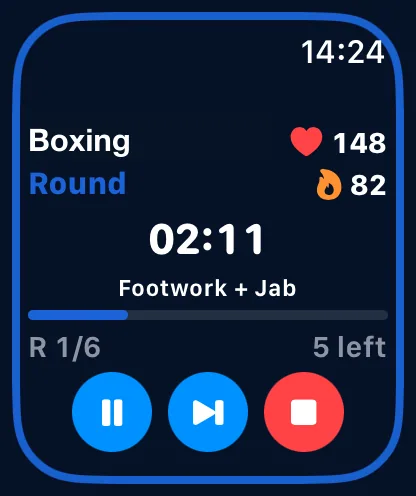
Choose Quick Start or a synced advanced profile directly on Apple Watch. The watch owns the workout, shows the active phase and controls, and can record supported workout data without making iPhone part of the session.
Adjust the round count, work time and rest time from the wrist for a fast session.
Open synced advanced profiles with their round titles, times, breaks and sound assignments.
Pause, resume, skip and finish while keeping the current phase and remaining time visible.
Apple Watch + iPhone
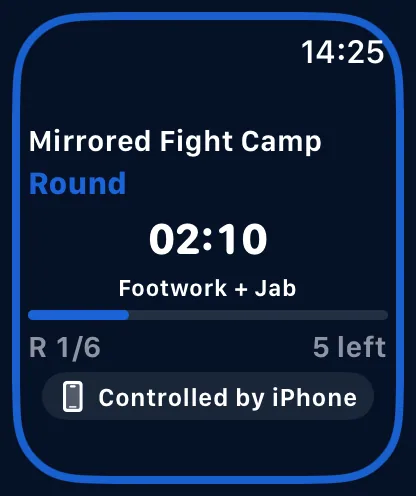
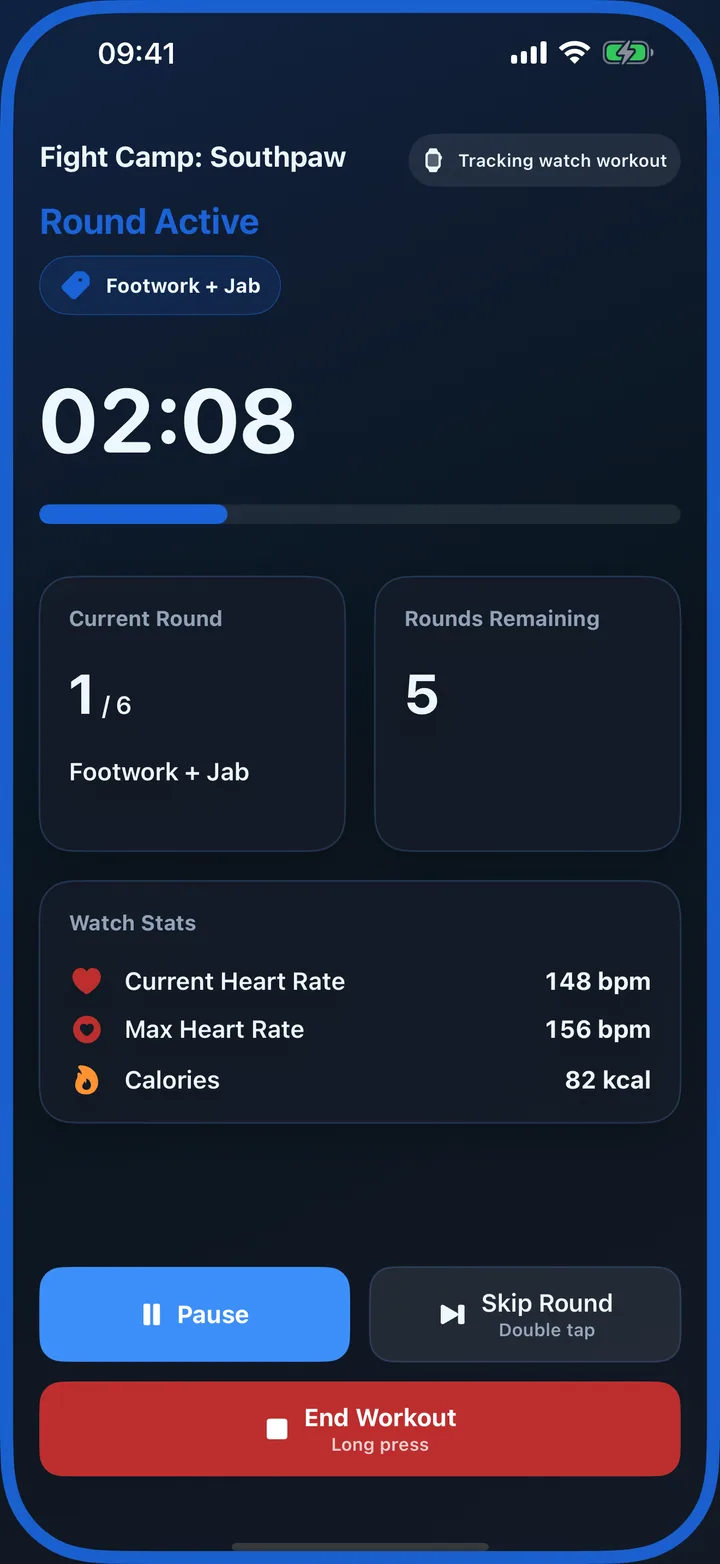
A Watch-started workout can mirror its live state to iPhone when reachable. The phone becomes a larger display with synchronized controls, while Apple Watch remains responsible for the workout and Health metrics.
Both devices show the same current round, break and time remaining.
Pause, resume and skip actions remain synchronized across the reachable devices.
When enabled, an iPhone-started workout may wake the Watch companion flow. When disabled, phone workouts stay phone-only.
Haptic workout cues
Choose distinct Watch haptic patterns for countdown, round start, ten-second warning and round end. Haptics can keep a quiet workout understandable when audio would be distracting or difficult to hear.
Set the patterns you want RoundCue to use across workouts.
Start with a consistent set of patterns and adjust them to your preference.
Use touch, sound, text and color together instead of relying on a single signal.
Apple Health
With Health access enabled, Watch-owned workouts can record supported metrics such as workout duration and heart rate to Apple Health. RoundCue also keeps its own workout log, charts, calendar and training insights.
See available heart-rate information during the active Watch workout.
Finish the timer and save the supported workout data through HealthKit.
Review completed sessions, training time, consistency and longer-term trends in the app.
Fast access
RoundCue includes Apple Watch widgets and complications for opening the app from a watch face or Smart Stack. iPhone widgets can place favorite saved profiles on the Home Screen.
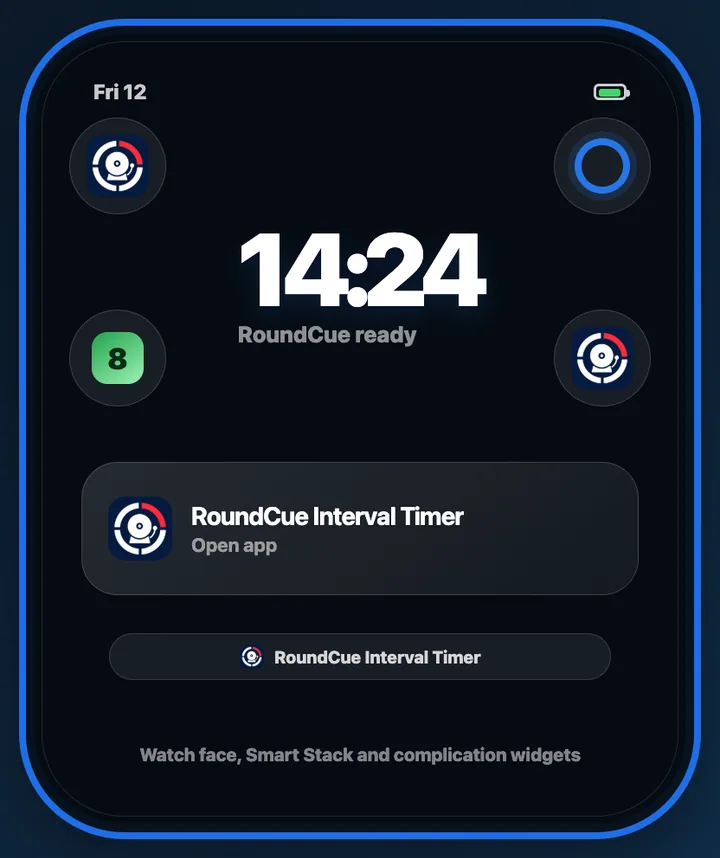
Keep RoundCue close before the workout starts, then choose Quick Start or one of your synced profiles.
Apple Watch FAQ
Yes. A Watch-owned workout can run from Apple Watch without making iPhone part of the active session.
Yes. When the devices are reachable, a Watch-started workout can mirror its live state and controls to iPhone.
Watch-owned workouts can record supported workout and heart-rate data when Health access is enabled.
Ready on your wrist
Download RoundCue free; full Apple Watch access is included with RoundCue Pro.