
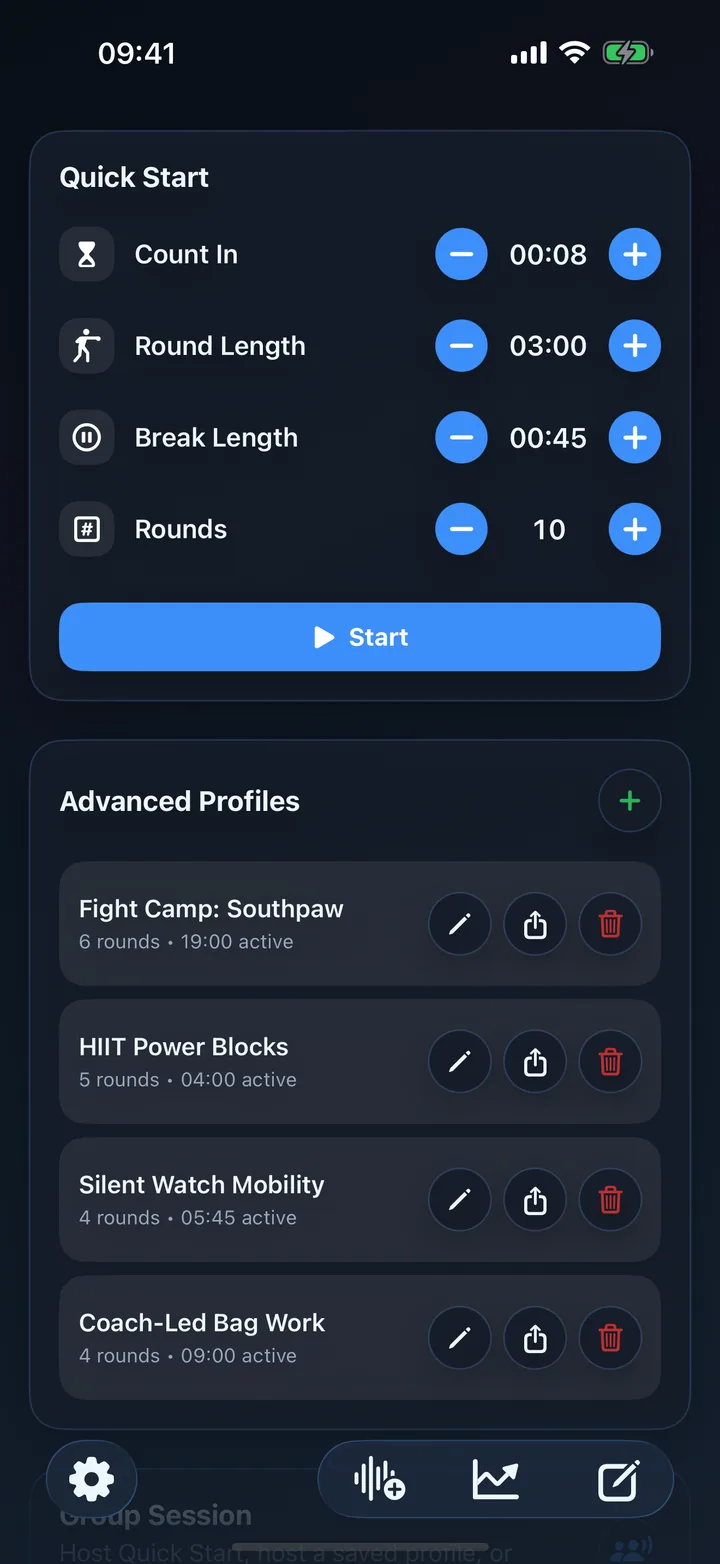
Quick Start in one tap
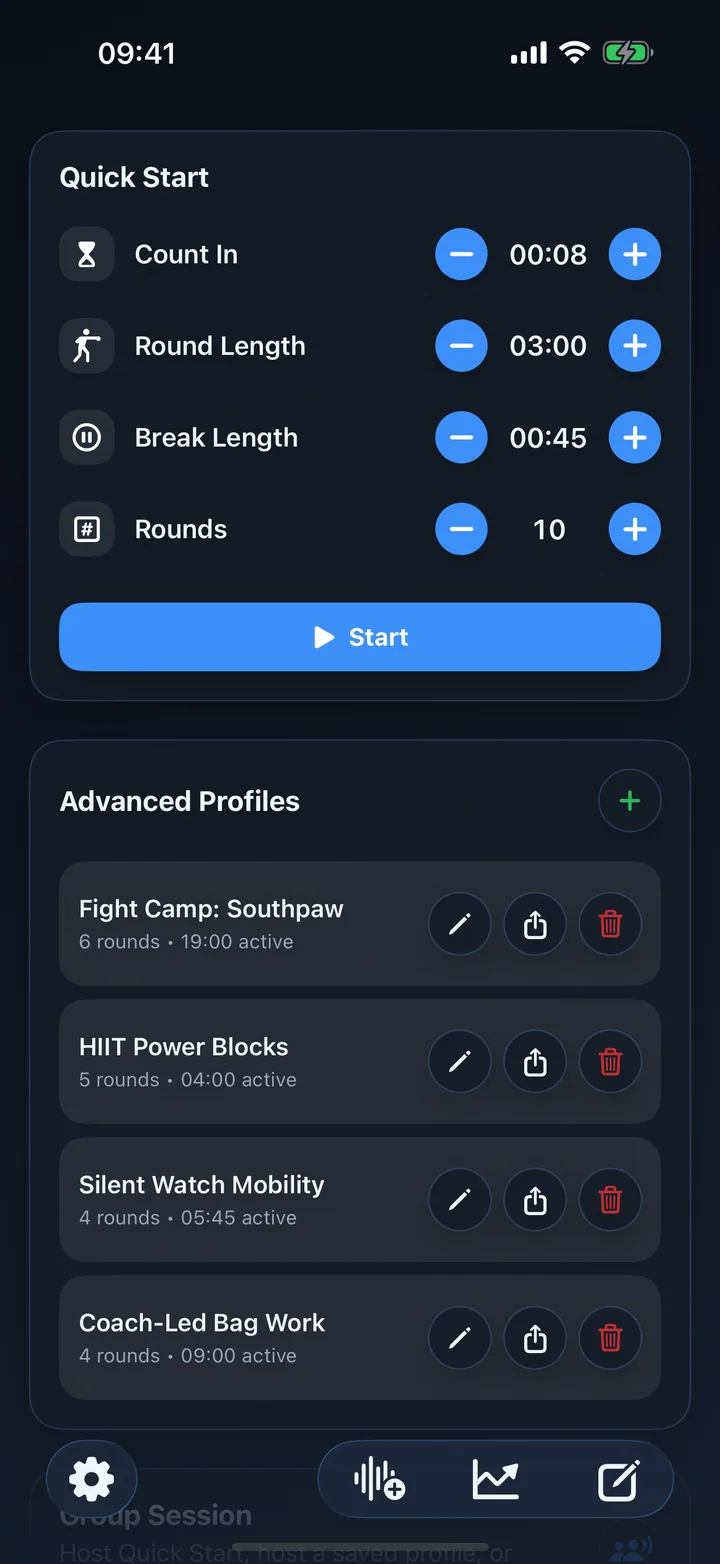
Count-in, round length, break length and rounds stay on the home screen, with saved profiles ready underneath.
Boxing timer, MMA timer, HIIT timer and Apple Watch workouts
Quick Start gets you training in one tap. Pro-level profiles, custom audio cues, Apple Watch mirroring, Health recording and progress insights are there when your sessions need more structure.
Built around your training
Start with the workflow closest to your session, then shape the rounds, cues and devices around the way you actually train.
Build bag, pad, sparring and conditioning rounds with custom colors, bells and recorded coaching commands.
Explore boxing timers →Run simple work-rest repeats or complete named circuits with individual times, colors and audio instructions.
Explore HIIT timers →Start from your wrist, use haptic cues, mirror to iPhone and record supported workouts to Apple Health.
Explore Apple Watch →Real app screenshots
RoundCue keeps the everyday workout path short while giving coaches and repeat trainers deeper control over boxing rounds, HIIT intervals, custom cues, devices and history.
Count-in, round length, break length and rounds stay on the home screen, with saved profiles ready underneath.
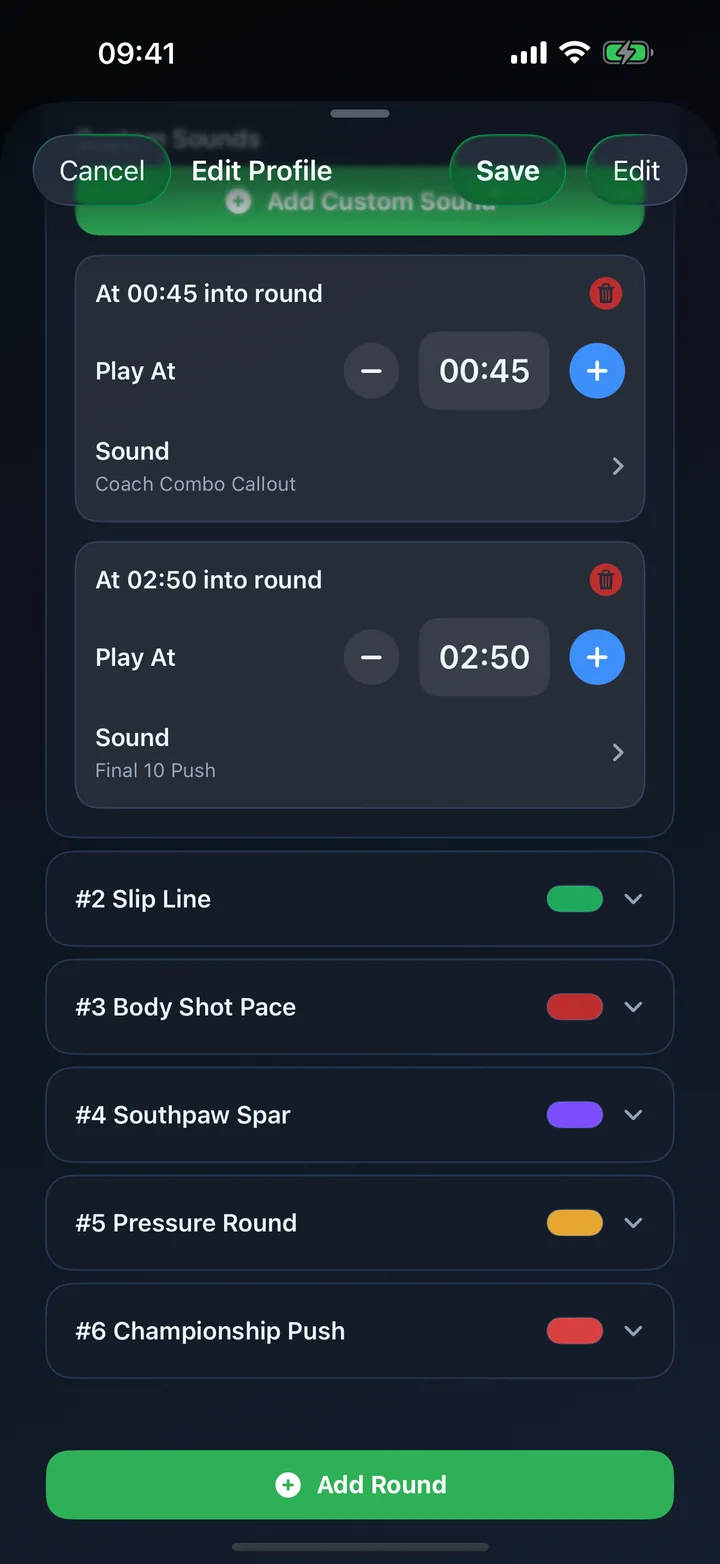
Build profiles with per-round names, lengths, rest times, colors, sound overrides, haptics and timed custom sounds.
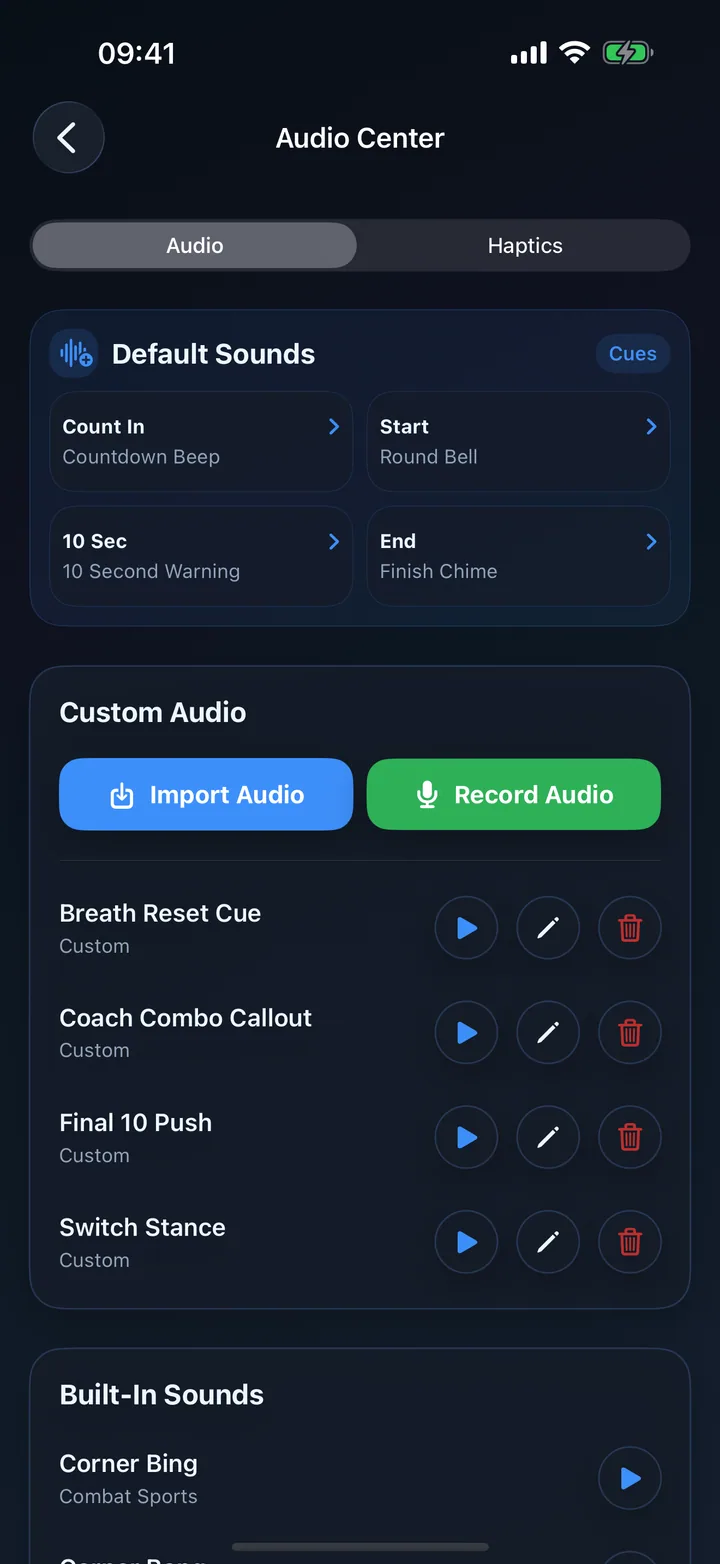
Use built-in bells, beeps, horns and human round readouts, or record and import your own training cues.
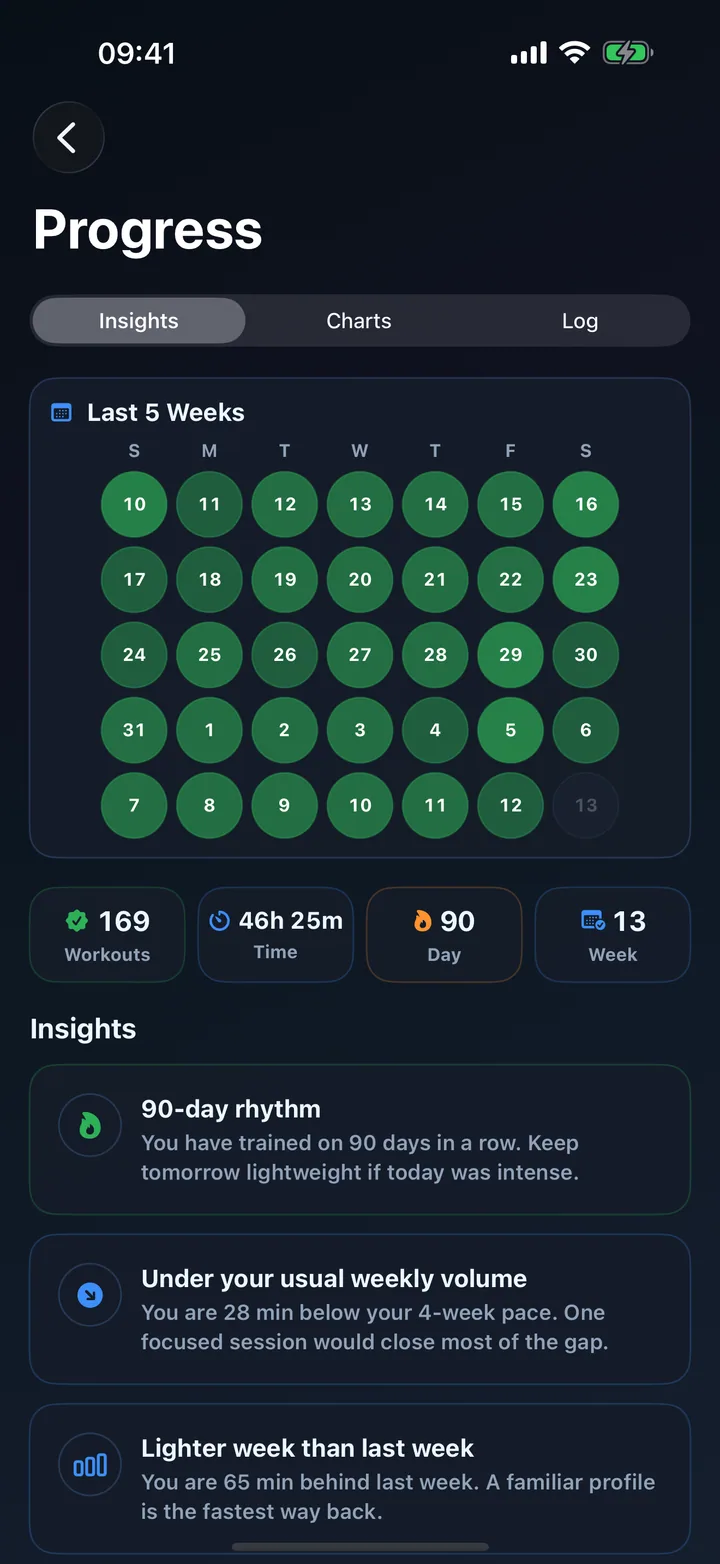
See training volume, consistency, streaks and coaching-style prompts that help you plan the next session.
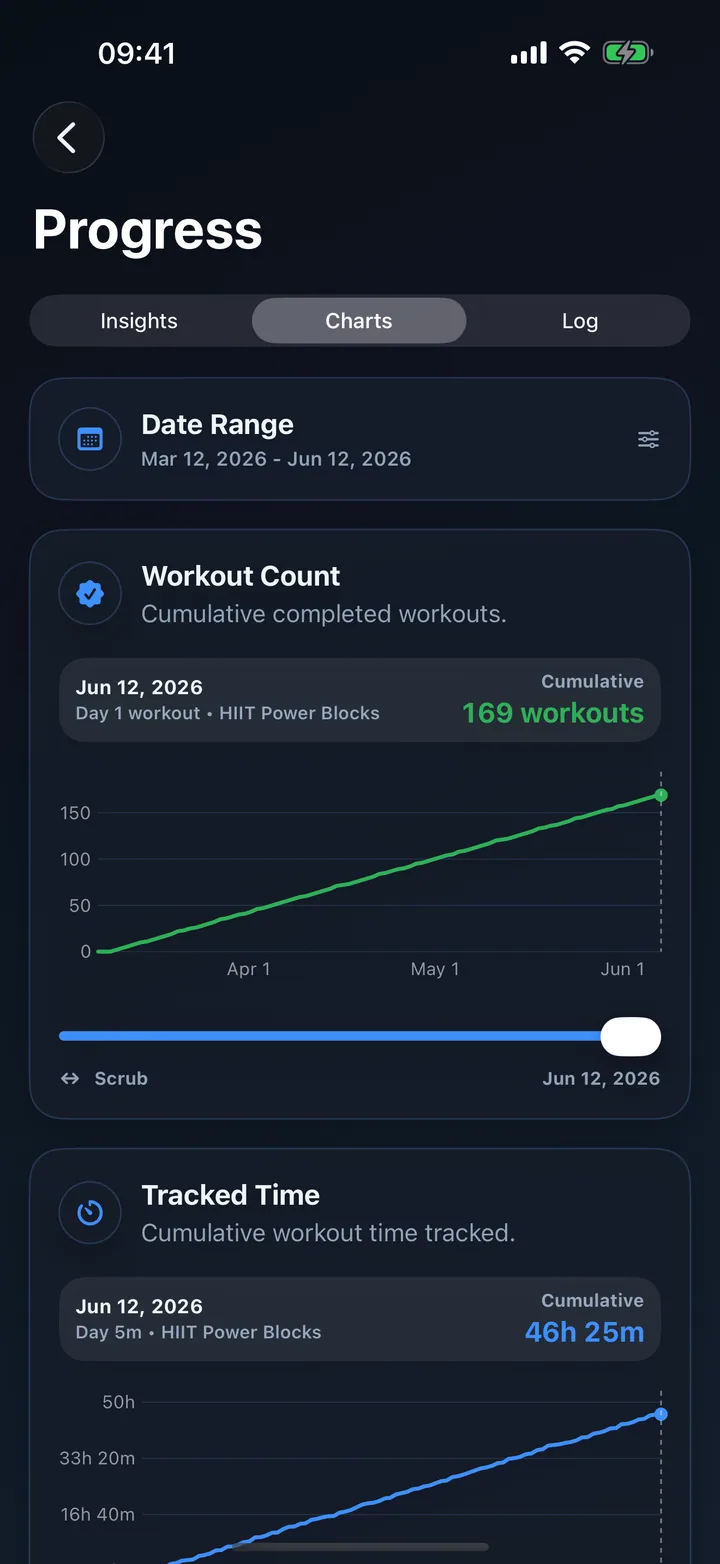
Track completed workouts, total time, heart-rate trends and longer-term training load across date ranges.
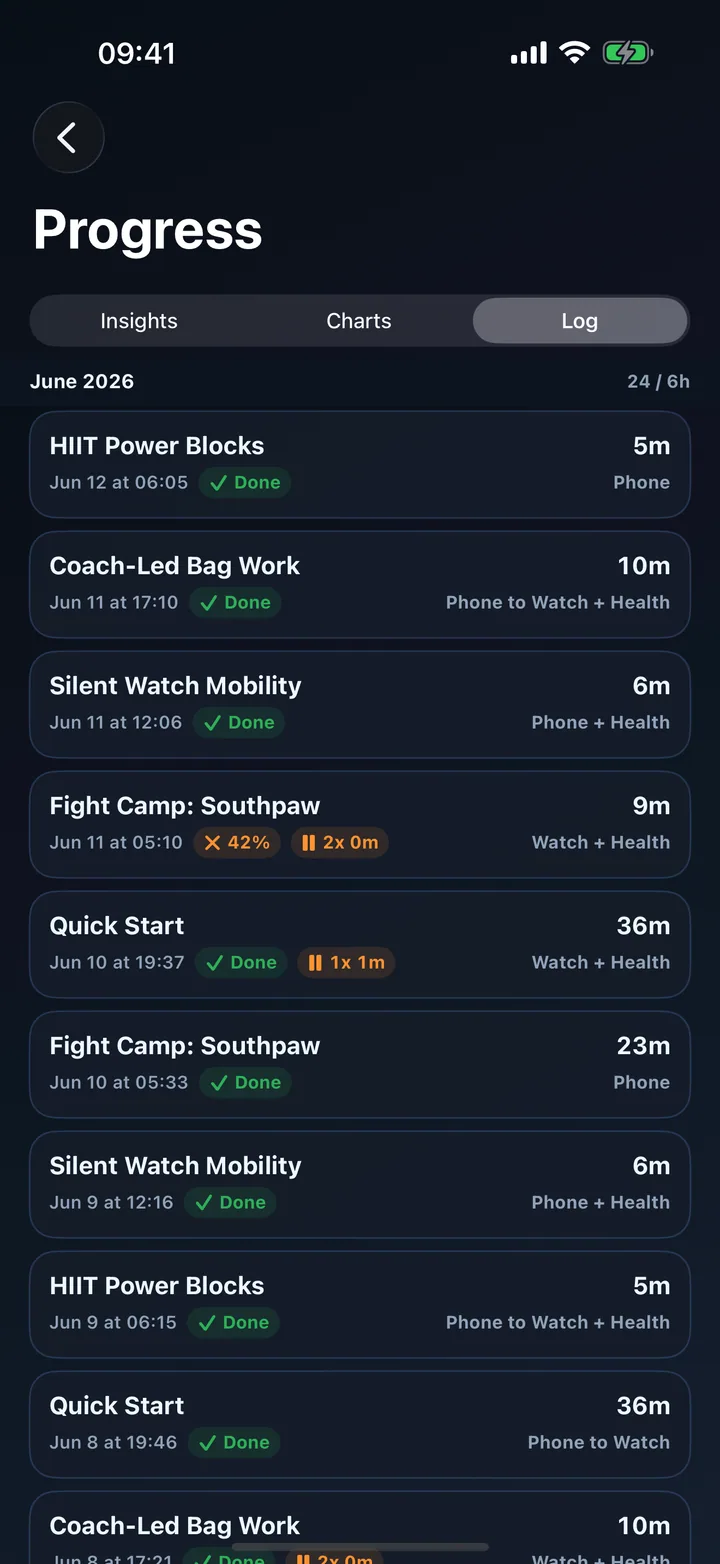
Review recent sessions with dates, durations, completion status and whether they ran from iPhone or Watch.
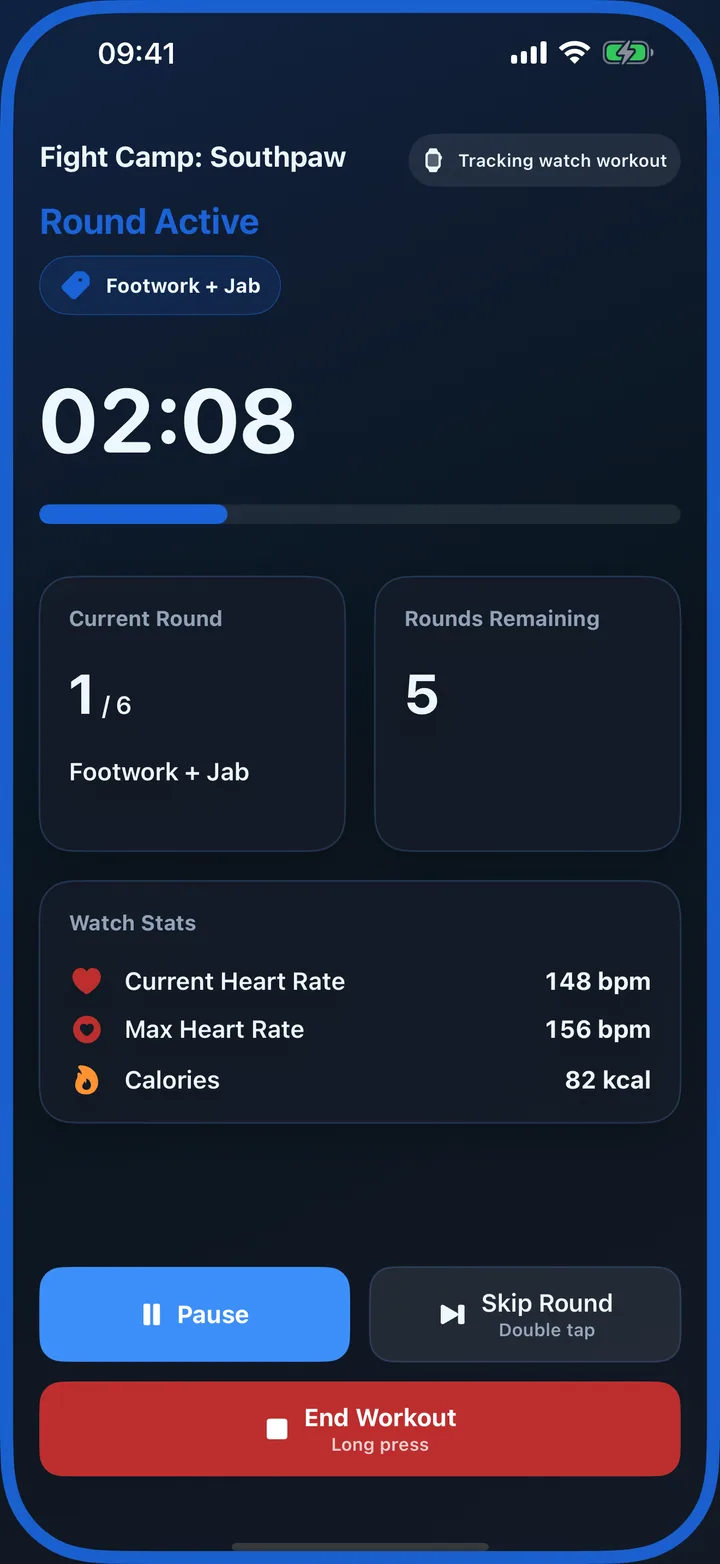
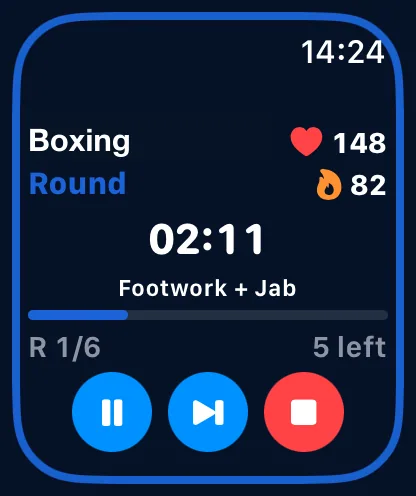
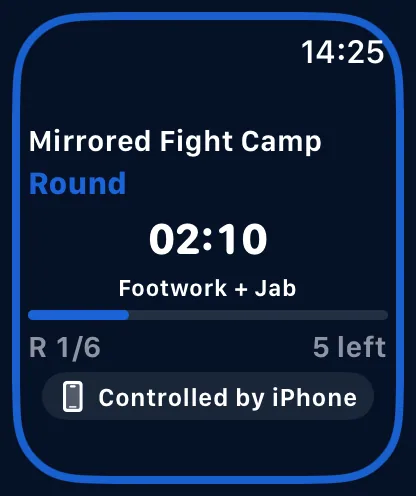
Mirror live Apple Watch workouts to iPhone with synced state and controls on both devices.
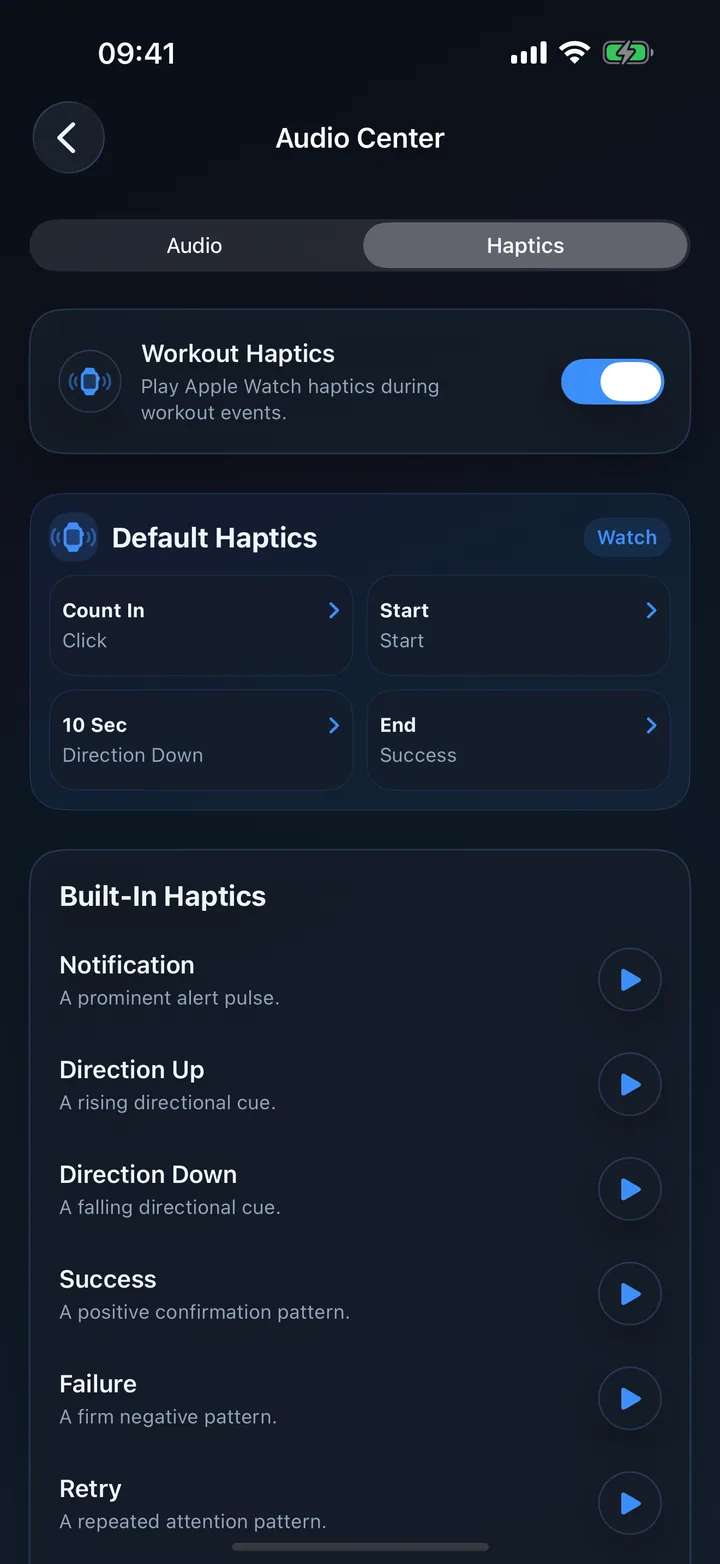
Set haptic patterns for countdown, round start, ten-second warning and round end when you train quietly.
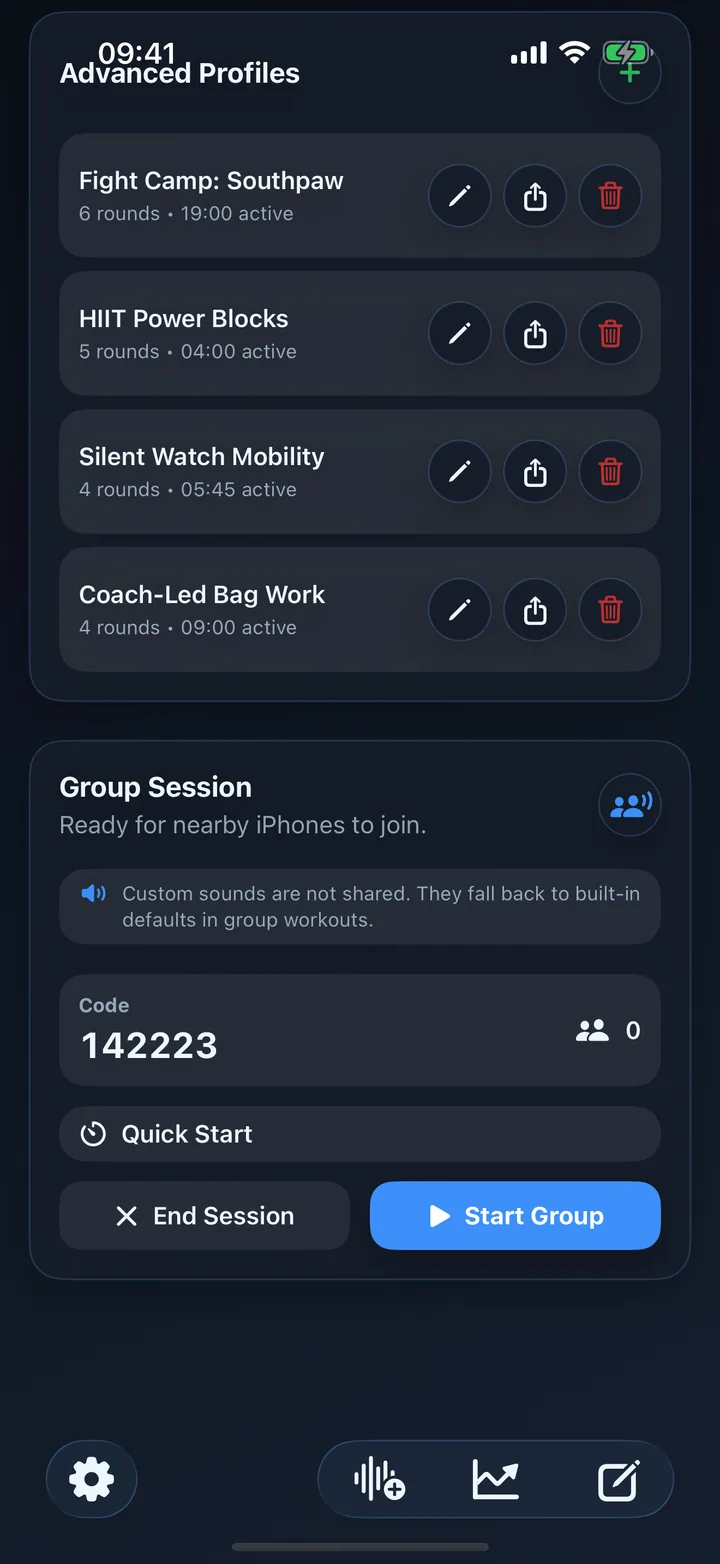
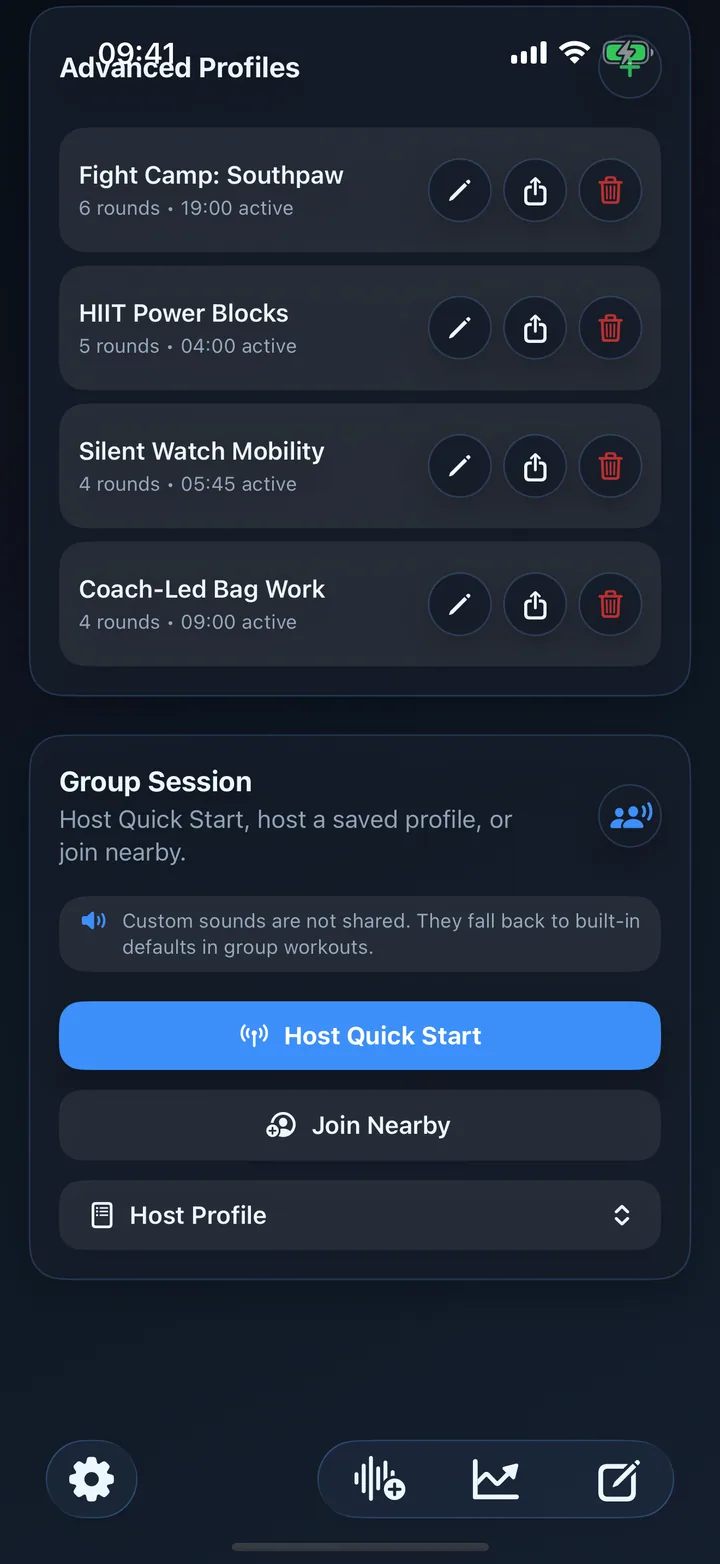
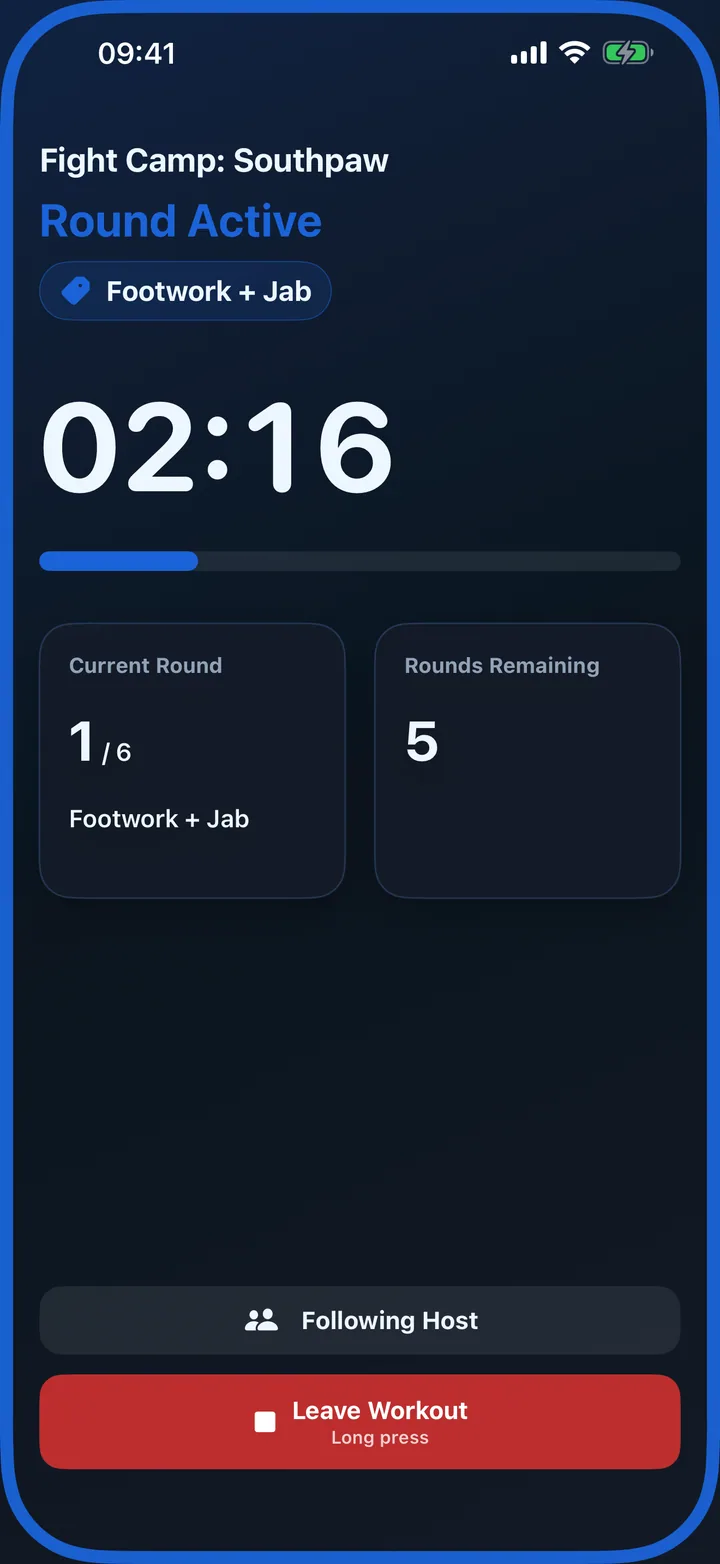
Host a shared session so nearby iPhones follow the same round, pause, resume and finish state.
Share complete saved profile setups so training partners can import the same rounds, rests and cues.
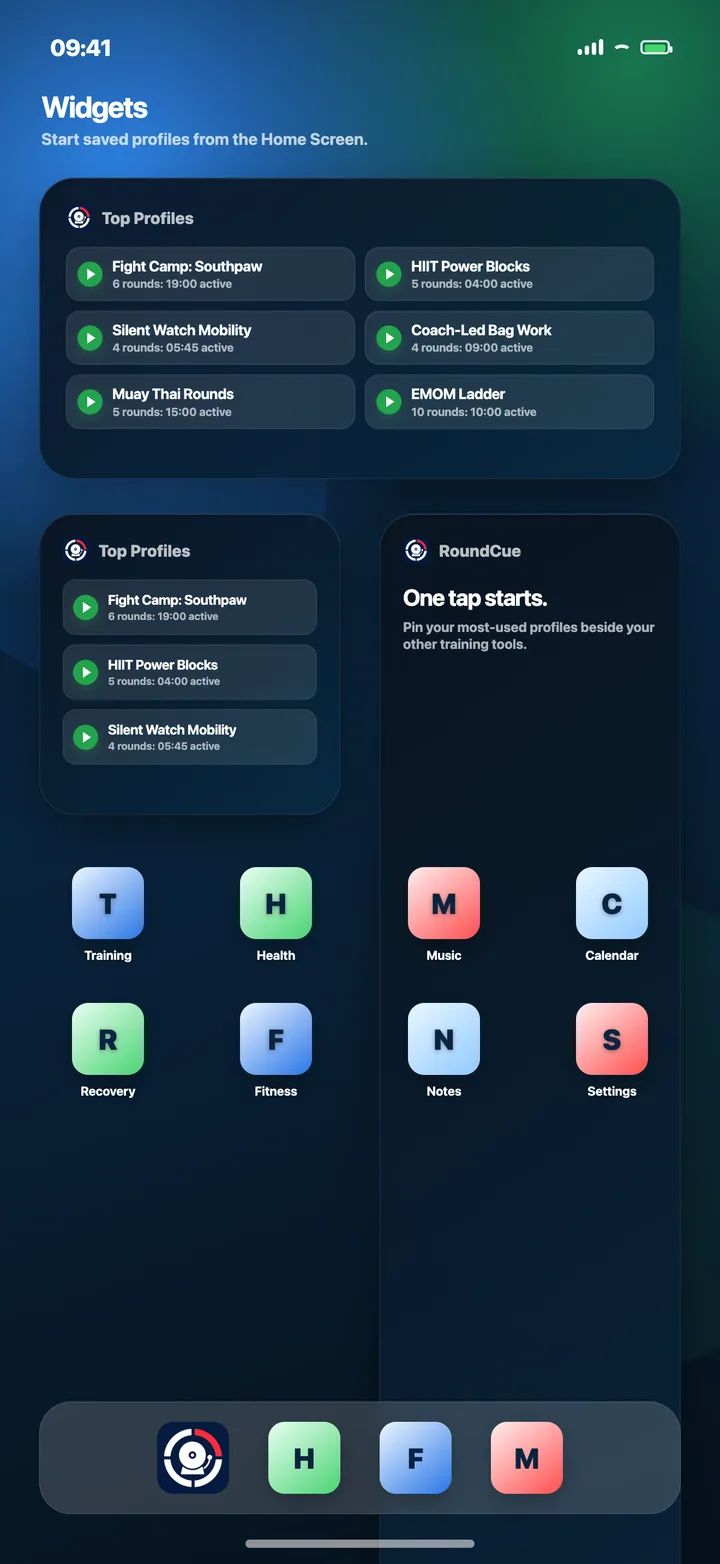
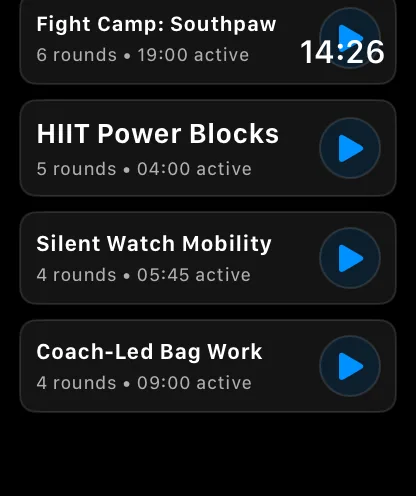
Pin your top saved profiles to the Home Screen so regular sessions are always one tap away.
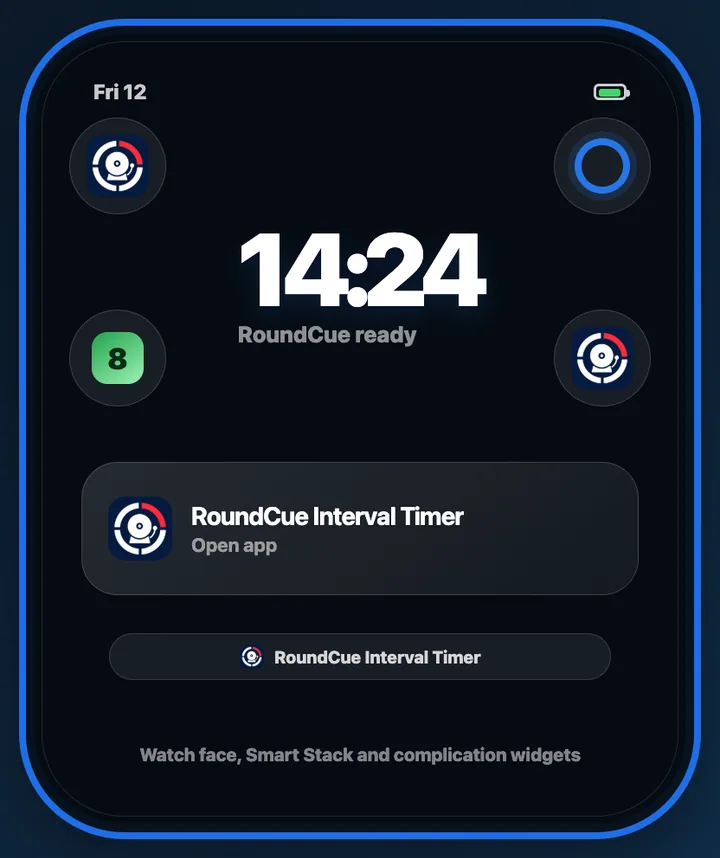
Open RoundCue from your watch face, Smart Stack or complication before training starts.
Benefits
Quick Start remembers your latest settings so the next workout is ready without rebuilding the timer.
Plan sessions round by round with titles, durations, breaks, colors, readouts, sounds and haptics.
Drop recorded or imported cues at exact elapsed times during any round, including late-round push cues.
Start from Watch, mirror to iPhone, keep controls synced, and record heart-rate workouts to Apple Health.
Use Watch haptics for silent training when audio would be distracting or unavailable.
RoundCue is also a progress tracker, with workout logs, charts, history and consistency insights.
Train together
Group workouts let one person host the timer while nearby iPhones stay synced to the same workout state. Profile sharing makes it easy to pass polished setups to a coach, teammate or client.
Start a shared group timer from the same Quick Start and profile tools you already use.
Participants follow the host's round, pause, resume and finish state, so the room stays together.
Send advanced profiles with round titles, timing, breaks and cue assignments for quick importing.
Free vs Pro
Free covers fast everyday timing. Pro unlocks the full Watch, mirroring and unlimited customization toolkit.
| Feature | Free | Pro |
|---|---|---|
| One-tap Quick Start | ✓ | ✓ |
| Adjust count-in, round length, break length and round count | ✓ | ✓ |
| Built-in bells, horns and human round readouts | ✓ | ✓ |
| Progress log, charts, calendar and insights | ✓ | ✓ |
| Profile sharing and importing | ✓ | ✓ |
| Phone group workouts for nearby iPhones | ✓ | ✓ |
| Starter allowance for saved profiles and custom sounds | ✓ | ✓ |
| Unlimited advanced profiles | ✕ | ✓ |
| Unlimited recorded and imported custom sounds | ✕ | ✓ |
| Fully customizable timed cues inside rounds | ✕ | ✓ |
| Full Apple Watch app access | ✕ | ✓ |
| Watch and iPhone workout mirroring with synced controls | ✕ | ✓ |
| Apple Health heart-rate workout recording | ✕ | ✓ |
| iPhone and Apple Watch widgets | ✕ | ✓ |
Apple Watch
Start Quick Start or saved profiles directly from Apple Watch. Watch-owned workouts can record Apple Health metrics, use haptics for silent cues, and mirror live progress back to iPhone.
Open RoundCue in the App Store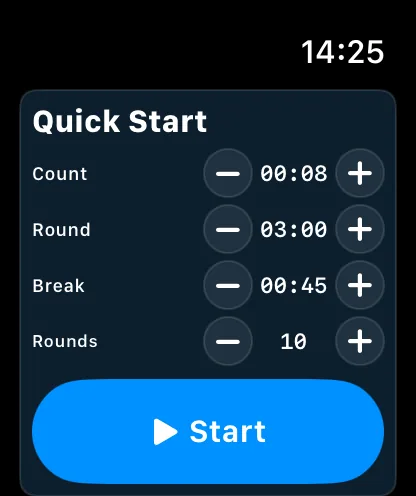
Training stories
See how RoundCue features can fit into different training routines, from color-coded rounds to Watch mirroring and custom audio cues.
“I use different colors for technique, bag work and finishers, and record simple cues like ‘switch stance’. It feels much closer to having someone guide the session.”
BenBoxing training
“I start on my Watch and leave the phone where I can see the mirrored timer. The haptics work in a noisy gym, and the workout still ends up in Apple Health.”
AlexWatch-first workouts
“I record the exercise names and a ‘switch sides’ cue, then get through the whole circuit without checking notes or touching the phone.”
MayaHIIT and circuits
FAQ
Yes. It supports count-ins, work rounds, rest breaks, warning cues, bells, human round readouts and saved boxing profiles for bag work, pad work and sparring.
Yes. Any workout built around timed efforts can use Quick Start or advanced profiles with custom round lengths, breaks and cue timing.
Yes. RoundCue includes built-in sounds and supports recorded or imported custom workout sounds, including timed cues inside individual rounds.
Yes. Pro unlocks full Apple Watch access, workout mirroring, widgets, haptics and Apple Health workout recording where available.
Yes. RoundCue includes iPhone and Apple Watch widgets so your favorite saved profiles can be started quickly from the Home Screen, watch face, Smart Stack or complication.
RoundCue is free to download and includes Quick Start, built-in sounds, progress tracking, group workouts, profile sharing and starter allowances. Pro unlocks unlimited customization and the full Apple Watch toolkit.
Free on the App Store
Download RoundCue and start a clear, reliable workout timer in seconds.